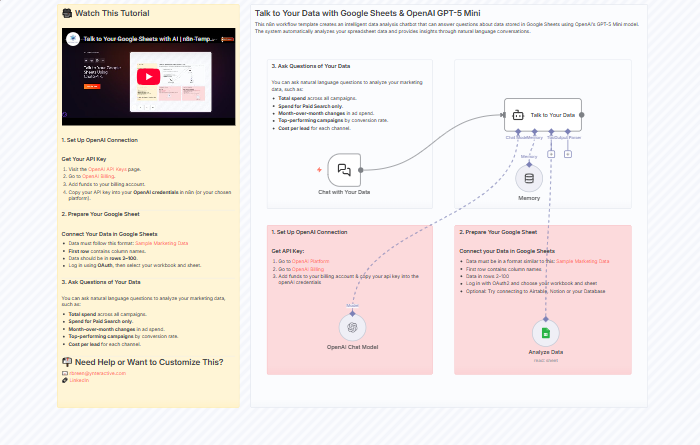
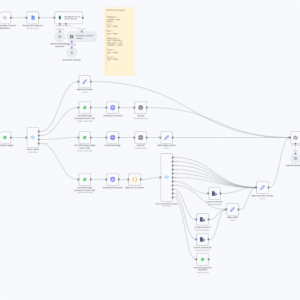
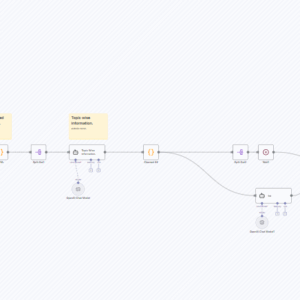
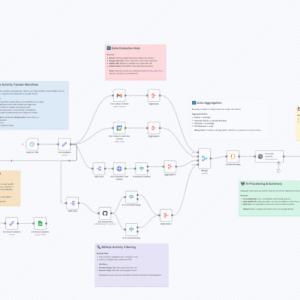
This n8n workflow template creates an intelligent data analysis chatbot that can answer questions about data stored in Google Sheets using OpenAI’s GPT-5 Mini model. The system automatically analyzes your spreadsheet data and provides insights through natural language conversations.
What This Workflow Does
- Chat Interface: Provides a conversational interface for asking questions about your data
- Smart Data Analysis: Uses AI to understand column structures and data relationships
- Google Sheets Integration: Connects directly to your Google Sheets data
- Memory Buffer: Maintains conversation context for follow-up questions
- Automated Column Detection: Automatically identifies and describes your data columns
🚀 Try It Out!
1. Set Up OpenAI Connection
Get Your API Key
- Visit the OpenAI API Keys page.
- Go to OpenAI Billing.
- Add funds to your billing account.
- Copy your API key into your OpenAI credentials in n8n (or your chosen platform).
2. Prepare Your Google Sheet
Connect Your Data in Google Sheets
- Data must follow this format: Sample Marketing Data
- First row contains column names.
- Data should be in rows 2–100.
- Log in using OAuth, then select your workbook and sheet.
3. Ask Questions of Your Data
You can ask natural language questions to analyze your marketing data, such as:
- Total spend across all campaigns.
- Spend for Paid Search only.
- Month-over-month changes in ad spend.
- Top-performing campaigns by conversion rate.
- Cost per lead for each channel.
📬 Need Help or Want to Customize This?
📧 rbreen@ynteractive.com
🔗 LinkedIn
🔗 n8n Automation Experts